AI datacenters
Berkeley Lab's 2025 US Data Center Energy Usage Report on OSTI.GOV
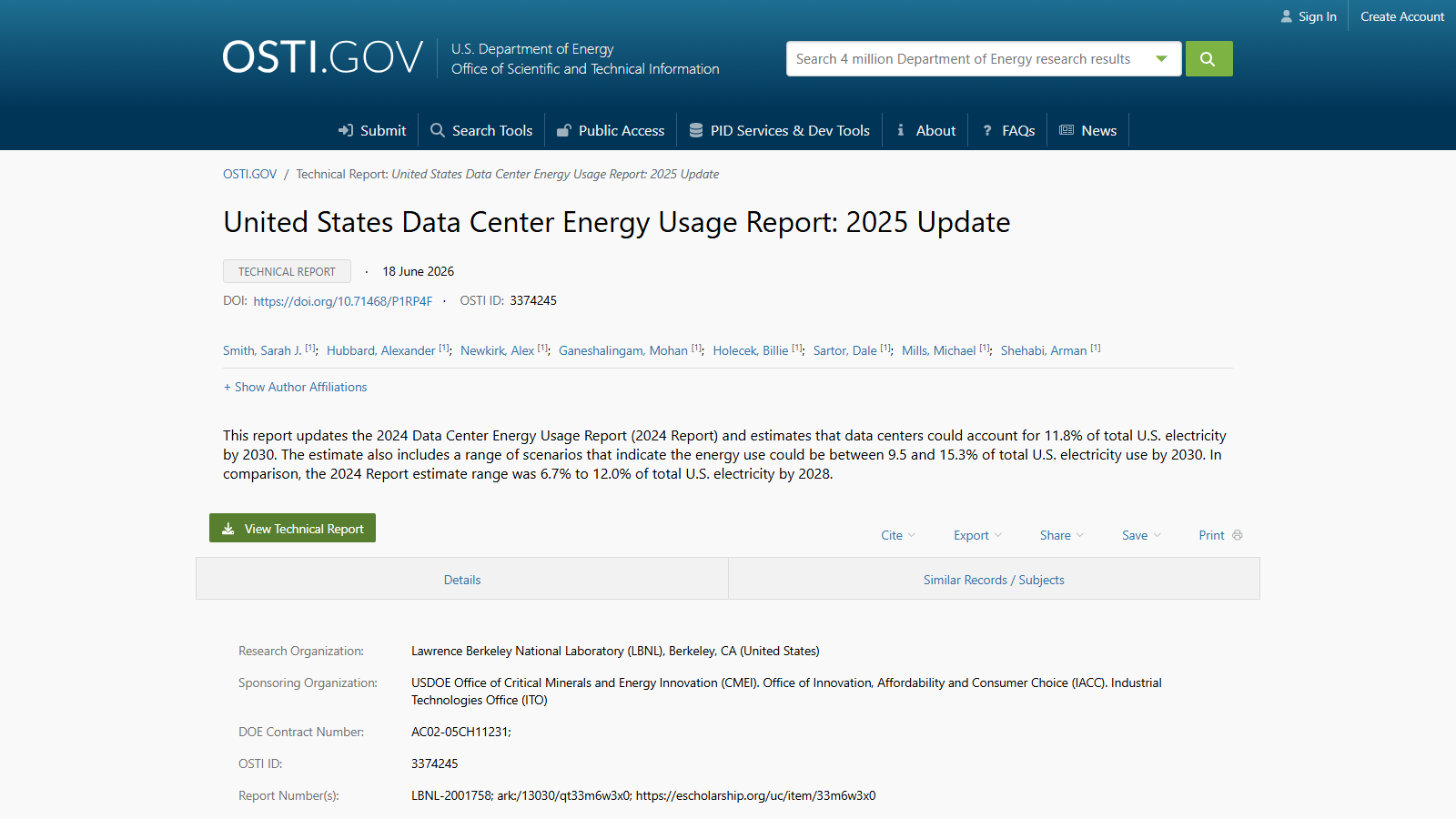
OSTI.GOV is the U.S. Department of Energy's public clearinghouse for federally sponsored research, and this page catalogs the 2025 update to Lawrence Berkeley National Laboratory's data center energy usage report.
The page itself is a bibliographic record, not the report — a title, a short abstract, an author list, and a green "View Technical Report" button that links out to the full PDF elsewhere. The abstract is still worth reading on its own: it estimates data centers could draw 11.8% of total U.S. electricity by 2030, with a scenario range running from 9.5% to 15.3%. For comparison, it notes that the prior 2024 edition of the same report put the 2028 figure at 6.7% to 12.0%, which gives a sense of how quickly the projection has moved between editions.
Below the abstract, a details table names Lawrence Berkeley National Laboratory as the research organization and three DOE offices as sponsors, alongside a DOI, an OSTI ID, and eight listed authors. That is enough to cite the work or check its provenance, but there is no methodology, no charts, and no regional breakdown on this page — those live in the linked technical report, a separate download.
This record suits readers who want to verify a data center electricity statistic against its original government source, or who need clean citation details rather than a full read-through. Anyone after the underlying methodology or the supporting charts will need to follow the button through to the report itself.